How it works
-
Step 1
Sign up
Enter your name and email address and confirm once.
-
Step 2
Get reminded
A short reminder lands in your inbox every working day.
-
Step 3
Reply with a photo
Plan on paper, take a photo and reply to the reminder.
-
Step 4
Get feedback
Within a working week, your coach’s notes come back to you.
Step by step
Step 1
Sign up in two minutes
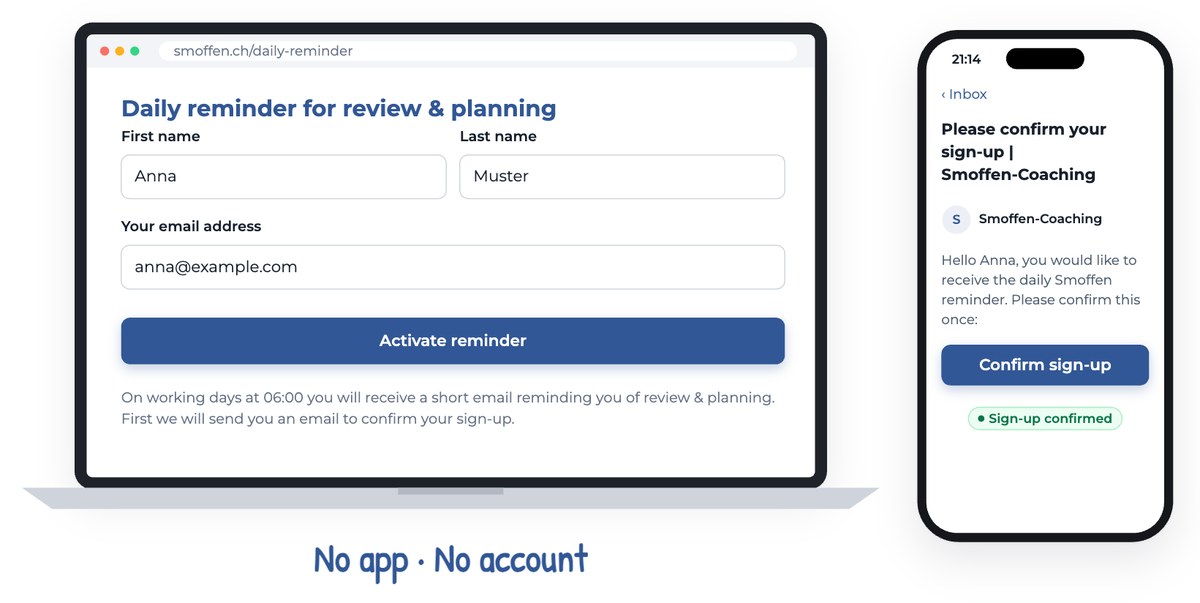
Go to the sign-up page on smoffen.ch and enter your first name, last name and email address. Then click “Activate reminder”.
We send you a short email right away. Click “Confirm sign-up” in it, once. That’s it. There is no app to install, no account to create and no password to remember.
Your first reminder arrives on your next working day.
Step 2
A short nudge every working day
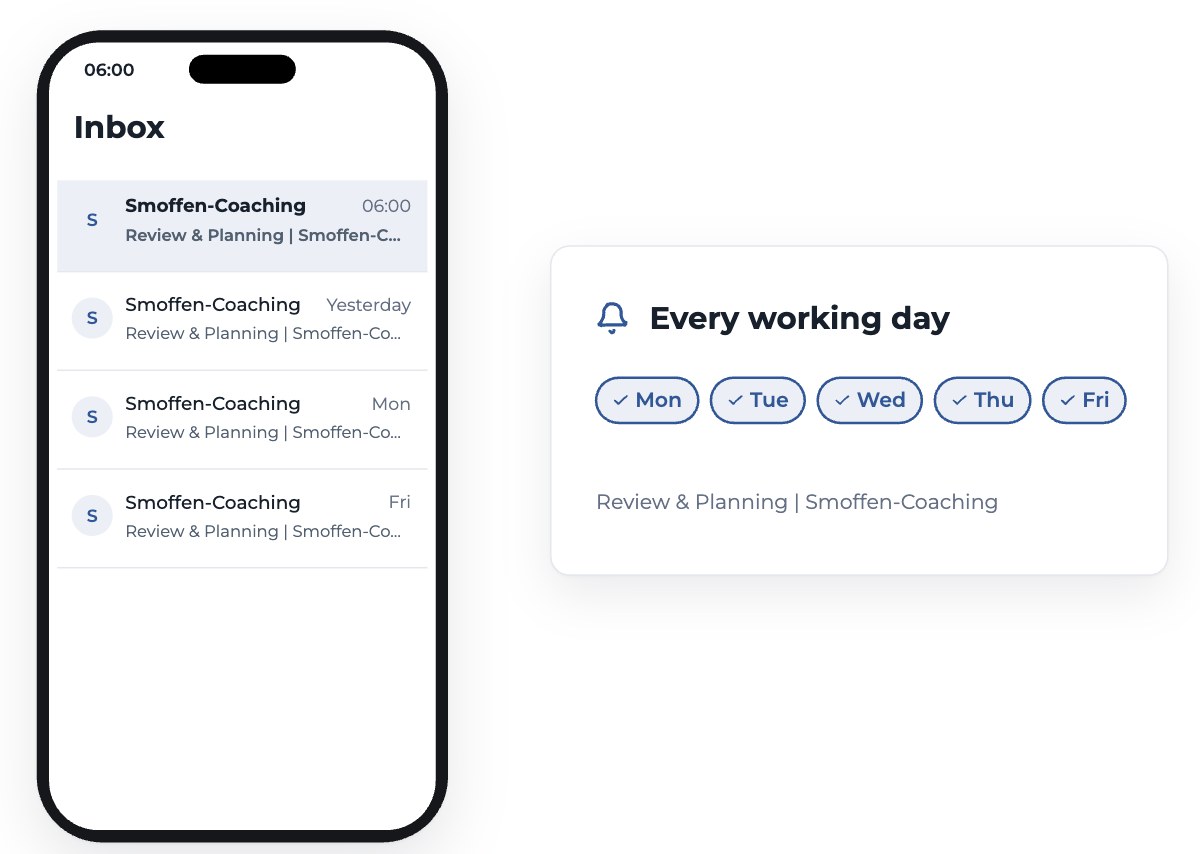
From then on, a short email lands in your inbox early every working day. Its subject is “Review & Planning | Smoffen-Coaching”. It reminds you to take a few minutes for your review and your plan before the day starts.
Every reminder has a link to your settings. There you can choose the days you want a reminder, set a pause for your holidays, or unsubscribe with one click.
Step 3
Plan on paper, then reply with a photo
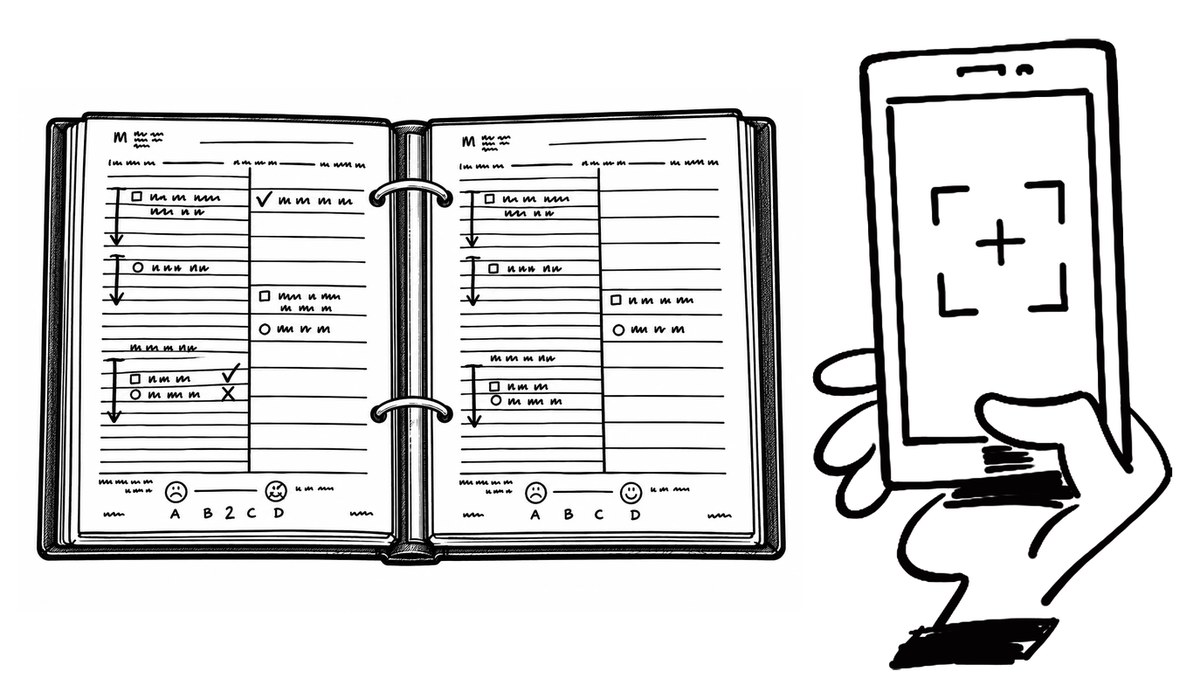
Do your morning smoffen as usual: a review of yesterday and a plan for today, on paper, in your planner.
Then take a photo of your sheets with your phone. Reply to the reminder email and attach the photos. That’s all you send: no form, no upload, no comment needed.
- Lay the planner flat and photograph the whole page.
- Use daylight or a bright lamp, without shadows.
- One photo per page. The review and the plan are ideal.
You do not have to send every day. Send whenever you would like feedback.
Step 4
Your coach comments right on your sheets
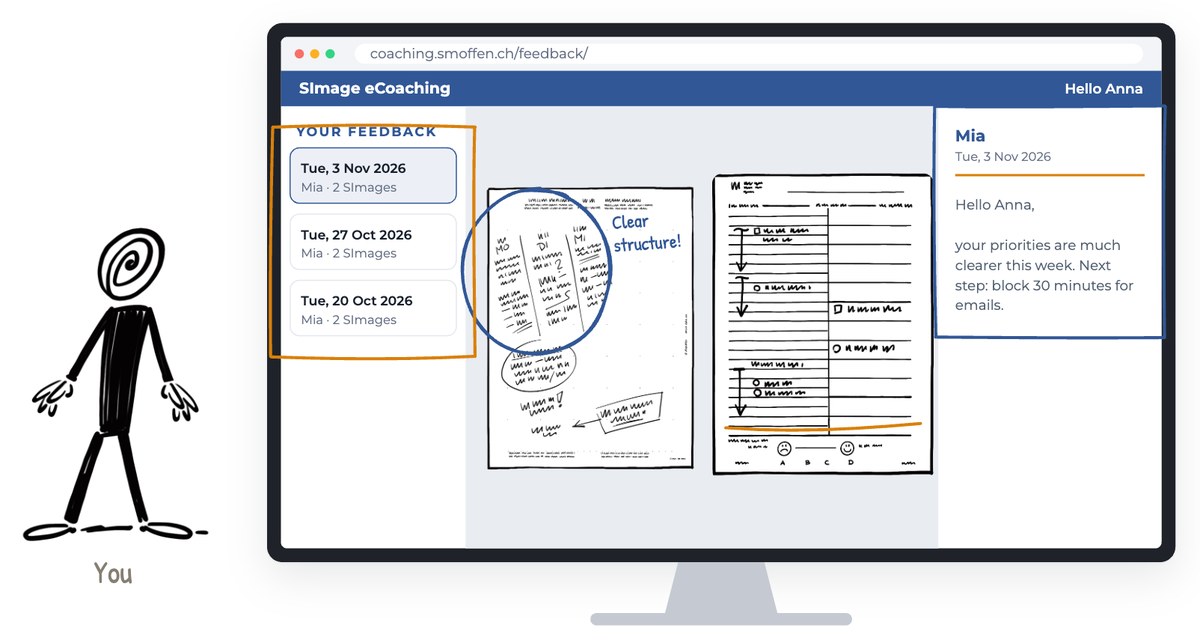
A self-management coach looks at your sheets and writes directly on them, with circles, underlines and short notes. You see what is working, what could be easier, and an idea or two to try next.
Within a working week, you get an email back with a link: “View your feedback”. Open it on a computer or tablet, where the sheets are large enough to read.
The page shows your newest feedback first, with your coach’s note. Below it you find your earlier rounds from the last four months, so you can see how your planning develops.
The link is personal. Please do not forward it.
All you need is paper, pen and a phone
What you need
- SMan planning sheets
- A phone with a camera
- An email address
- A computer or tablet to read your feedback
What you don’t need
- No app
- No account or password
- No forms to fill in each day
- No fixed schedule: send when it suits you